AI Gateway: Secure & Scale Your Enterprise AI Operations

Why AI gateways matter now: framing the problem and the promise
In 2026, artificial intelligence, or AI, is changing how businesses work every day. From helping customer service to designing new products, AI is everywhere. But for big companies, making all these smart AI tools work together can be a real challenge.

Imagine a company that uses many different AI tools. These might be special programs that write things, known as generative AI platforms, or smart features inside other business software. Each of these tools needs to connect to the company’s data and other computer services. Getting all these pieces to talk to each other smoothly and safely is a big puzzle. This is because AI is now making very important decisions that directly affect customers and how well a business does In 2026, AI Gateways Will Need to Become a Board-Level Priority.
This is where an ai gateway becomes super important. Think of an ai gateway as a special manager for all your AI traffic. It stands between your AI models, your company’s data, and other online services. Its job is to make sure everything connects properly and works together without problems. In 2026, these gateways are managing all kinds of AI, even very smart autonomous AI agents What are AI gateways in 2026, and do you actually need one now?.
The promise of an ai gateway is huge for businesses. It helps them get new AI projects up and running much faster. This means companies can see the benefits of their AI investments sooner, which we call "faster time-to-value." It also makes sure that AI is used in a safe way, protecting important company information and ensuring the AI works exactly as it should. Plus, it creates a standard way for all different AI tools and generative AI platforms to connect. This makes adding new AI features or an AI-powered learning platform much simpler, avoiding headaches for technical teams.
Want to stay up-to-date with all the fast changes in AI? Get The AI Newsletter Worth Reading.
What is an AI gateway? Definitions and core responsibilities
An ai gateway is like a special control center for all your company’s smart AI tools. While we talked about its promise, it’s helpful to know exactly what it is and what jobs it does. Think of it as the smart brain that makes sure your different AI programs work together smoothly and safely.
You might have heard of an API gateway. That’s a system that helps different computer programs talk to each other. But an ai gateway is different. It’s made especially for AI. It understands the unique needs of AI models, like how much power they need or if they are giving fair answers. It helps manage all kinds of AI, even the smart programs known as generative AI platforms. An ai gateway also helps make sure your company’s overall plan for using AI is strong, creating an AI That Knows Your Business: Architecture Briefing.
It’s also not the same as an ML platform. An ML platform is where people build and train AI models, like teaching a robot new tricks. Once the robot is taught, the ai gateway helps that robot actually do its job in the company, connecting it to other systems. An ai gateway makes sure the AI models are used right, protecting against problems like bias, as discussed in The Dangers of AI Bias, Deepfakes, Job Loss, and Other Critical Risks in 2026.
So, what are the main jobs of an ai gateway?
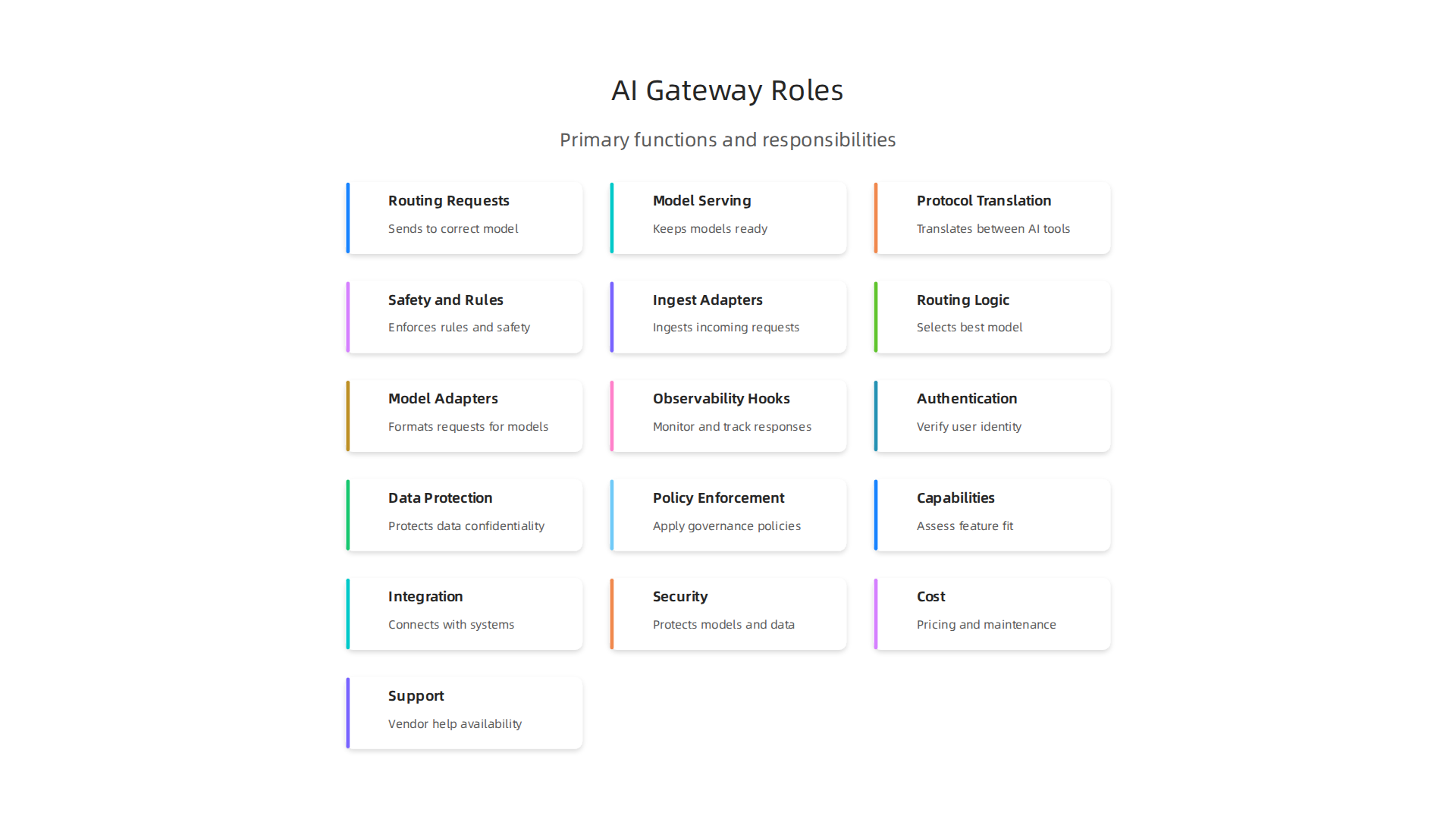
- Routing Requests: It’s like a post office for AI. When someone asks an AI a question, the ai gateway makes sure that question goes to the right AI model that can answer it best. It helps manage many different Choosing All AI Tools: Types, Evaluation, and Workflow for 2026 in one place.
- Model Serving: It makes sure AI models are always ready to work and give answers quickly. If an AI model gets too busy, the gateway can help it handle more work without slowing down.
- Protocol Translation: Different AI tools might "speak" different computer languages. An ai gateway acts as a translator, so all your AI tools can understand each other. This is key for creating a GAIF: Governed AI Architecture Framework v1.0 across your company.
- Safety and Rules: It checks if the AI is being used in a safe and fair way. It also makes sure your company follows all the rules and laws about using AI. This helps keep important company information private and secure.
Core architecture and capabilities: design patterns for AI gateways
To truly understand an ai gateway, it helps to look inside and see how it’s built. Think of it like a smart building. It has different parts that work together to make sure everything runs smoothly and safely. These parts help the ai gateway do its main jobs, and they also make it easy to add new features or adjust old ones.
Here are the common parts that make up an ai gateway:
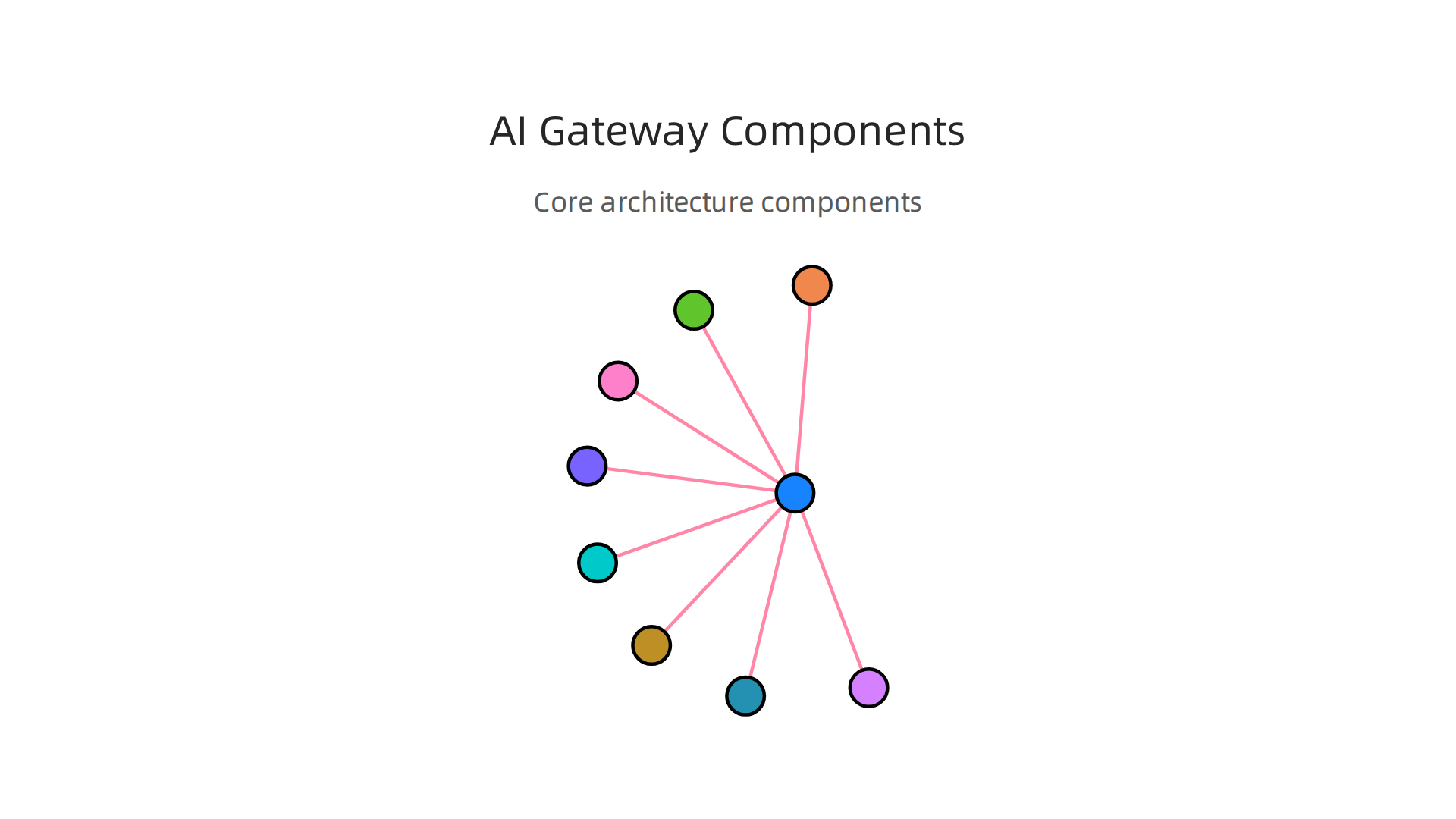
- Ingest Adapters: These are like the welcoming gates of the ai gateway. They take in all the incoming requests or questions for AI models. These requests can come from many different places or programs.
- Routing Logic: Once a request comes in, the ai gateway needs to know where to send it. The routing logic is like a smart traffic controller. It figures out the best AI model to handle each request. This way, the right question always goes to the right AI brain.
- Model Adapters: Different AI models might "speak" slightly different computer languages. Model adapters act as translators. They make sure the requests are understood by the AI models and that the answers coming back are also in a clear format. This helps keep all your AI models working together using a shared model catalog.
- Observability Hooks: These are like security cameras and health monitors inside the ai gateway. They watch how the system is working, catch errors, and keep track of how fast responses are. This helps ensure your AI systems are trustworthy and perform well, which is vital for a good AIWS Trust Architecture for the AI Age.
Beyond these core parts, a good ai gateway is also made to be flexible. This means it can grow and change as your company’s AI needs change in 2026.
Here’s how an ai gateway can be made flexible:
- Plugin Connectors: These are special points where you can easily plug in new tools or features. Imagine adding a new device to a power strip; plugin connectors work similarly for your ai gateway. This means you can add new kinds of AI models or new ways of handling data without rebuilding the whole system.
- Policy Engines: These are the rule enforcers. They make sure that all AI interactions follow your company’s security rules, privacy guidelines, and other important policies. This helps keep your AI use safe and fair, much like the idea behind Zero Trust Architecture in cybersecurity.
- SDKs (Software Development Kits): These are toolkits for developers. They give programmers everything they need to build their own custom parts for the ai gateway or integrate it deeply into other systems. Using SDKs helps teams Optimize Your Machine Learning Workflow to Cut Bottlenecks and Speed Up Model Delivery across the entire company.
These parts and features make an ai gateway a strong and adaptable backbone for using AI in your business.
Want to stay informed on the latest advancements and insights in the world of AI? Get clear daily AI updates from The AI Newsletter Worth Reading.
An AI gateway isn’t just a smart brain; it’s also a great communicator. It needs to talk to many different systems to do its job well.

This is where integration patterns come in. Think of these as common ways an ai gateway connects and works with other computer programs and data sources. These patterns help your AI systems fit smoothly into your business, making sure all parts can "speak" to each other without trouble in 2026.
Here are some common ways an ai gateway integrates:
- Edge-to-Cloud Integration: Sometimes, AI needs to work on a small device, like a smart camera or a robot, right where things are happening. This is called the "edge." The ai gateway helps these "edge" AI tools send important information to bigger AI systems in the "cloud" (large internet servers) and get instructions back. This setup makes sure AI can act fast locally while also getting smarter from big cloud data.
- Streaming Pipelines: Imagine data flowing like a constant river. Streaming pipelines mean that information moves non-stop to and from your AI models. The ai gateway helps manage this flow, making sure your AI gets real-time data and can respond instantly, which is key for things like fraud detection or quick customer service.
- API Façade: An ai gateway can act like a friendly front desk for many complex AI models working behind the scenes. This is called an API façade. Instead of your apps needing to know how to talk to each different AI model, they just talk to the gateway. The gateway then figures out which AI model to use, making things much simpler for other programs to use your AI services. You can learn more about how this kind of setup works in modern systems by looking into Enterprise Integration Patterns 2026: Architecture & Best Practices.
- Model Federation: This is when an ai gateway manages many different AI models as if they were one big team. It decides which model should handle each task. This is very useful when you have a mix of AI models, perhaps from different companies or built for different jobs, and you want them all to work together.
To make these connections, an ai gateway uses different types of connectors. Connectors are like special plugs that let the gateway link up with various data points and services.
Here are some important types of connectors:
- Data Sources: AI needs information to learn and make decisions. Data source connectors let the ai gateway pull information from places like databases, data lakes, or big files. They ensure your AI models always have the fresh data they need. If you’re keen on how data is collected for AI, you might find our guide on Electronic Data Gathering and Retrieval for Machine Learning Pipelines in 2026 helpful.
- Feature Stores: These are like special libraries for AI data. They store "features," which are pieces of processed information that AI models use. Connectors to feature stores help the ai gateway quickly get the right features for any AI request.
- Model Runtimes: These connectors let the ai gateway talk to the actual engines where AI models run and do their work. Whether you’re using a single model or a whole group of generative ai platforms, these connectors make sure requests reach the models and responses come back. To dive deeper into how models operate, explore Autonomous AI Agents: Building, Deploying, and Evaluating for 2026.
- Third-Party APIs: Your ai gateway might need to connect to services or AI models made by other companies. Connectors for third-party APIs let your gateway easily talk to these outside services, expanding what your AI can do. Learning about how companies connect their systems is a big topic in 2026, and you can learn more about it in The Ultimate Guide to API Integration Solutions in 2026.
By using these patterns and connectors, an ai gateway can tie together all your AI tools, from simple airtable ai integrations to complex ai-powered learning platform setups. This creates a powerful, connected AI system for your business.
An AI gateway isn’t just about connecting systems; it’s also about building trust. It needs strong rules and protections to keep everything safe and fair. This is where security, governance, and compliance come in. They make sure your ai gateway operates reliably and follows all the necessary rules in 2026.
Embedding Trust in the Gateway
Think of the ai gateway as a special guard. It makes sure only the right people and programs can access your AI tools. This involves a few key things:
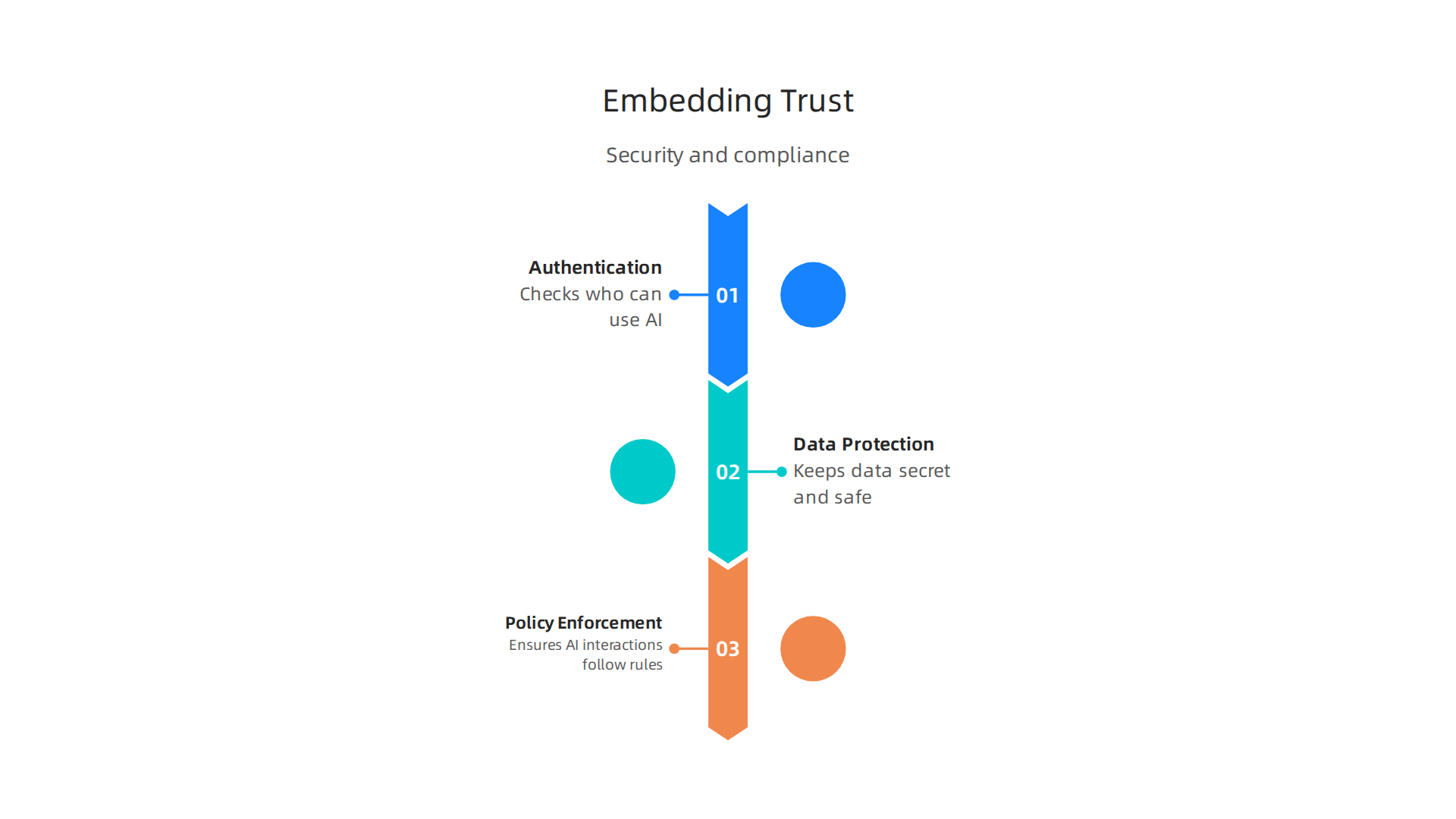
- Authentication and Authorization: This is like checking IDs and giving permission. The ai gateway checks to see who is trying to use an AI service. Authentication confirms "who you are," while authorization decides "what you can do." This stops unauthorized access to sensitive AI models or data, protecting your systems from harm.
- Data Protection: Your AI uses a lot of information. The ai gateway needs to protect this data as it moves between different AI models and other systems. This means keeping the data secret and safe from being changed by accident or on purpose. Reports show that data security and compliance risks are a top concern for businesses in 2026, especially with more AI use Data Security and Compliance Risk Forecast Report.
- Policy Enforcement: This is about making sure everyone plays by the rules. The ai gateway has built-in features that ensure certain actions are allowed or blocked. For example, it might stop a user from asking for certain sensitive information from a generative ai platform or prevent an ai-powered learning platform from sharing data it shouldn’t. The unauthorized use of AI tools can create security and governance weak points AI Security Buyer’s Guide 2026.
Beyond these security basics, an ai gateway also helps with overall management, which we call governance.
- Auditing and Lineage: The gateway keeps a detailed log of everything that happens. This means you can see who used which AI model, when, and for what purpose. This "paper trail," or lineage, is vital for understanding how your AI systems make decisions and tracking any issues.
- Model Access Controls: Just like only certain people can enter certain rooms, only specific applications or users should be able to interact with certain AI models. An ai gateway lets you set these strict controls. This is important whether you’re integrating something simple like airtable ai or a complex set of specialized models.
- Compliance Mapping: Many laws and rules exist for how we use data and AI, and more are coming out in 2026, like new AI governance acts Principles, laws, and frameworks. The ai gateway helps your business meet these requirements by making sure your AI systems act in a way that matches these laws. This includes avoiding issues like AI bias, which is a critical risk you can learn more about in The Dangers of AI Bias, Deepfakes, Job Loss, and Other Critical Risks in 2026.
By handling these important tasks, the ai gateway makes sure your AI systems are not only smart and connected but also safe, fair, and trustworthy. It’s a key part of using AI responsibly in 2026.
If you want to stay updated on the latest in AI and machine learning, you should consider subscribing. Get clear daily AI updates from The AI Newsletter Worth Reading.
Moving beyond making your AI systems trustworthy, we also need to make sure they run smoothly and can handle a lot of work. This means focusing on how well your AI gateway can grow, how fast it works, and how easily you can check what it’s doing.
Scalability, Performance, and Observability: Operationalizing AI Gateways
Imagine your AI gateway as a busy restaurant. When many customers come in, you need more cooks and waiters to keep everyone happy. This is what we call scalability.

An AI gateway needs to handle more and more requests for AI services as your business grows. This is especially true for companies using AI on a large scale in 2026. For example, a good AI gateway can make sure your AI tools stay connected and keep working well, even when very busy, helping enable scalable AI connectivity.
To help an ai gateway scale, you can use a few tricks:
- Autoscaling: This is like adding extra cooks when the restaurant gets full, and sending them home when it’s quiet. The gateway automatically gets more power when needed and less when it’s not.
- Batching: Instead of cooking one meal at a time, you cook several similar meals together. The gateway can collect a few AI requests and send them to the AI model all at once, which can be faster.
- Caching: If a customer orders the same popular dish often, you might have some pre-made sauce ready. The gateway can remember common AI answers and give them out quickly without asking the AI model again.
Making your AI systems work their best involves more than just speed. You also need to think about performance trade-offs. Sometimes, making something super fast might mean it uses more resources or is less accurate. For instance, a very complex generative ai platform might need more time to create a perfect image, while a simpler tool like airtable ai might give quick answers for common tasks. The ai gateway helps you find the right balance for your specific needs. Learning to improve how your systems work can help you reach peak performance.
Lastly, observability is like having clear windows into your restaurant kitchen and dining room. You want to see everything that’s happening to know if things are running well. For your ai gateway, this means:
- Metrics: Simple numbers that tell you how the gateway is doing, like how many requests it gets each second or how fast it gives answers.
- Tracing: Following one customer’s order from when they ask for it until they get their meal. This helps you find exactly where a problem might be.
- Model Performance Monitoring: Checking if the AI models are still smart and giving good answers. For an ai-powered learning platform, you need to make sure it keeps learning correctly. This is a key part of ensuring AI quality and fairness, as detailed in reports like the AI Governance 2026.
- SLA Measurement: Making sure your ai gateway lives up to its promises, like always being available or giving answers within a certain time.
By keeping a close eye on these things, you can make sure your AI systems are not only safe and fair but also fast, reliable, and ready for whatever comes next in 2026. You can also optimize your machine learning workflow to avoid problems and deliver AI models faster.
After understanding how to make your AI systems work well, the next big step is choosing the right tools to build them. In 2026, picking an ai gateway or a platform for generative ai platforms can feel like a big puzzle. It is important to have a clear way to look at all your choices. Think of it as having a checklist to make sure you get exactly what your business needs.
How to choose: an evaluation framework for AI gateways and platforms
To pick the best ai gateway or platform, you need a simple framework. This framework helps you compare different options fairly. Here’s what to look at:
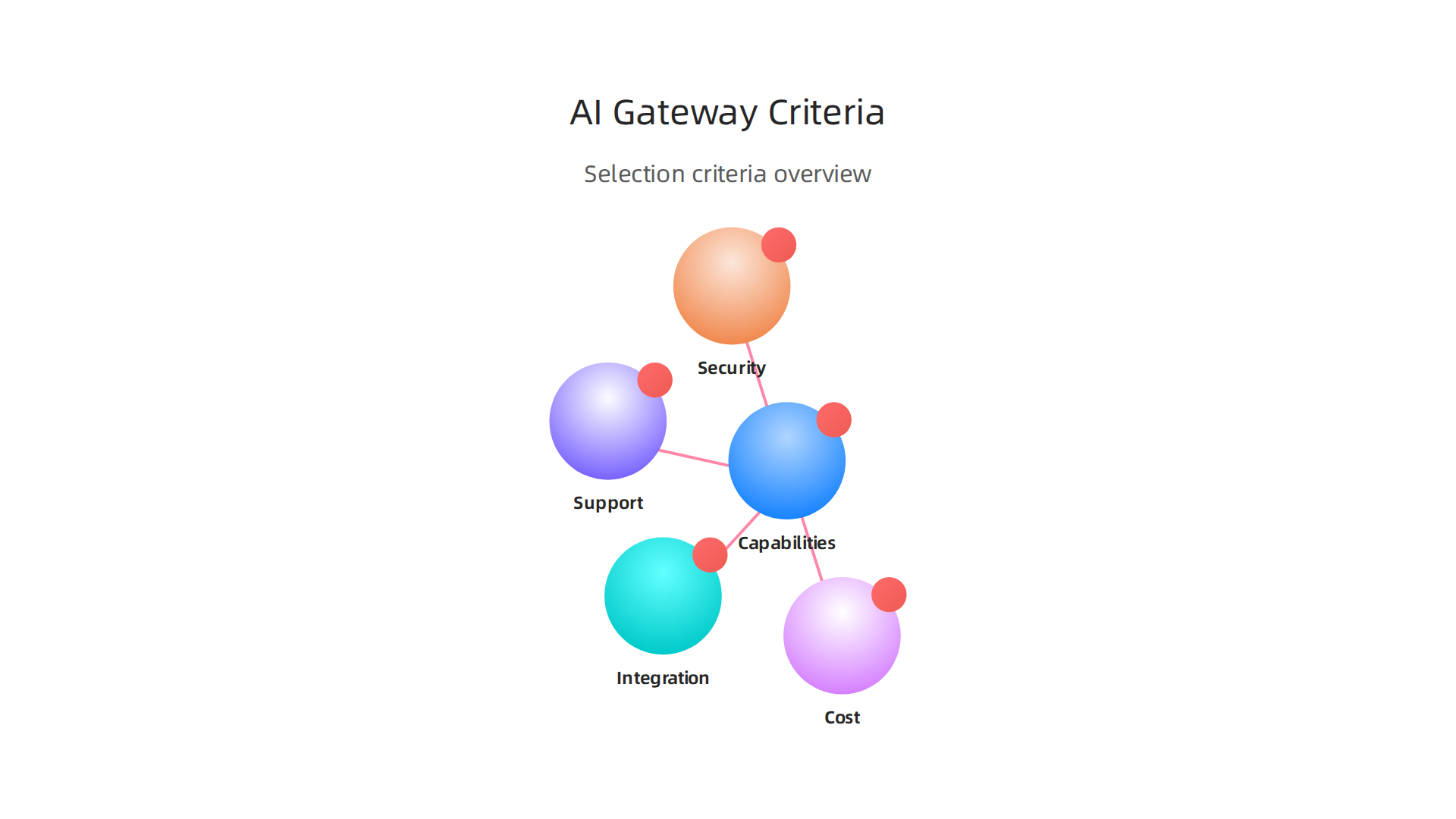
- What it can do (Capabilities): Does the ai gateway have the features you need? Can it handle traffic, manage different AI models, or secure your data? Some might be great for complex generative ai platforms, while others might be better for simpler tools like airtable ai. Companies in 2026 are looking closely at the specific features these gateways offer to meet their growing AI demands, as many now list the 5 Best AI Gateways for Enterprises in 2026.
- How well it connects (Integration): Can the ai gateway easily talk to your other computer systems and tools? Good integration means less work for you. You need to think about how it fits into your overall setup, just like how important Enterprise Integration Patterns 2026: Architecture & Best Practices are for any big system.
- How safe it is (Security): This is super important. An ai gateway must keep your AI models and the data they use safe from bad actors. It should have strong security features to protect against unwanted access or attacks.
- How much it costs (Cost): This isn’t just about the price tag. Think about how much time and effort it will take to set up and maintain. Sometimes, a cheaper option upfront might cost more in the long run if it’s hard to use or needs a lot of fixing.
- What help you get (Support): If something goes wrong, can you get help quickly? Good customer support from the people who made the ai gateway or platform is key to keeping your systems running smoothly.
When you look at different choices, you can give each one a score for how well it meets these points. Then, decide what’s most important for your business. For instance, if you’re building a new ai-powered learning platform, security and how well it integrates with your existing learning tools might be your top priorities. A small team might put cost higher on the list. This way, you can make a smart choice that truly helps your business grow with AI in 2026. If you’re looking for more guidance on picking the right tools, consider exploring how to make effective decisions about Choosing All AI Tools Types: Evaluation And Workflow For 2026.
Want to stay informed about the newest AI trends and tools?
The AI Newsletter Worth Reading
After choosing the right AI tools, putting them into action is the next big step.

This means having a clear plan, an "implementation roadmap," to guide your AI project from a small test to a full, working system. Without a good roadmap, many AI projects can fail, even in 2026. A smart plan helps you get your new ai gateway or generative ai platforms up and running smoothly.
Implementation roadmap: pilot to production and migration considerations
Here’s how to move your AI project forward in clear steps:
-
Pilot Design: Start Small and Learn
The first step is to design a "pilot" project. This means you test your new ai gateway or AI platform with a small group of users or for a specific, less critical task. It is like a practice run. For example, if you are building an ai-powered learning platform, you might test it with just one course or a few students. This helps you find and fix problems early, before they become bigger issues. Many AI pilots don’t make it to full use, so a careful start is very important for success, as highlighted in "AI Implementation Roadmap: Why Most Pilots Fail in 2026" on Kanerika’s blog. -
Integration Validation: Make Sure Everything Connects
Once your pilot shows promise, you need to make sure the new AI system works well with all your other computer tools. This is called integration validation. It means checking that your ai gateway can talk easily to your existing data systems, security tools, and other applications, even older ones like airtable ai. This step prevents hiccups and ensures data flows smoothly across your entire business. -
Scaling to Full Production: Grow and Expand
After a successful pilot and good integration, it is time to scale up. This means expanding the use of your AI system across more parts of your business. If your generative ai platforms worked well for one team, you can now bring them to more teams. This step often involves increasing computing power and making sure the system can handle a lot more users and data. To keep things running efficiently as you grow, it is smart to "Optimize Your Machine Learning Workflow to Cut Bottlenecks and Speed Up Model Delivery" and ensure your systems can handle the increased workload. -
Handover and Ongoing Management: Keep It Running Smoothly
Finally, you hand over the new AI system to the teams who will use it every day. This includes training them and setting up clear ways to monitor the system. Good ongoing management means regularly checking how the ai gateway or platform is working, fixing any new issues, and updating it as needed.
Migration Considerations: Moving Your AI Systems
When bringing in new AI tools, you might need to move existing systems or data. There are two main ways to do this:
- Lift-and-Shift: This is like moving an entire house at once. You take your old AI system or data and move it to the new platform without making many changes. This can be quick but might not be the most efficient in the long run.
- Incremental Integration: This is like moving one room at a time. You slowly move parts of your old system or data to the new ai gateway or platform. This takes longer but allows for more testing and adjustments along the way, reducing big risks.
No matter which way you choose, remember that people need to be ready for these changes too. This "organizational change" involves teaching employees new ways of working and showing them how the new AI tools will help them. Getting everyone on board is key to making your AI implementation a true success in 2026.
Summary
This article explains what an AI gateway is, why enterprises need one today, and how it helps connect models, data and services securely and at scale. It breaks down the gateway’s core responsibilities—routing requests, model serving, protocol translation and policy enforcement—and describes the architectural pieces like ingest adapters, model adapters, routing logic and observability hooks. The piece covers common integration patterns (edge-to-cloud, streaming, API façades, model federation), the types of connectors you’ll need, and how to embed trust through authentication, data protection and policy engines. It also outlines operational concerns—autoscaling, batching, caching, metrics and tracing—and gives a practical evaluation framework for choosing a gateway plus an implementation roadmap from pilot to full production and migration options. After reading, you’ll know what features matter, how to assess vendors, and the key steps to deploy an AI gateway safely and effectively in your organization.