
Unlock Python f string Power for Secure ML Performance

For anyone working with machine learning today, writing clean and fast code is super important. You need your programs to work well and be easy for others to understand. This is where mastering the python f string becomes a big deal, especially for ML professionals.
Python’s f-strings, short for "formatted string literals," came out in Python 3.6 and changed how we put information into strings in a simple way. They let you put Python rules right inside the string itself, making your code much easier to read and write f-string | Python Glossary. Think about how often you need to show data, explain what your models are doing, or log messages in your machine learning projects. Clear string formatting helps a lot with these tasks.
Imagine you’re debugging a tricky model, looking at a python array of predictions or tracking how your data moves through your system. Using a python f string helps you quickly see the values of variables.

This makes your work flow smoother and saves time. It’s not just about making things look nice; it’s about making your code more efficient and less likely to have errors Python String Formatting. This is vital for building robust machine learning pipelines.
But there’s more to f-strings than just basic use. Advanced f-string techniques can help you avoid common problems like slow code (performance issues), security risks when handling user inputs, or issues when your program needs to work in different languages (localization). Knowing these deeper patterns means your machine learning applications will be stronger and more reliable. This guide will help you dive into these advanced uses to make your Mastering Python Data Workflows for Peak Performance shine in 2026.
Stay on top of all the latest breakthroughs in AI and broader technology.
The AI Newsletter Worth Reading
Now, let’s look at some cool tricks with a python f string that can make your code even better. It’s like having secret powers for your strings.
Expressions Inside f-strings
You can do more than just show a variable’s value. You can put calculations and even call functions right inside the curly braces {} of your f-string. This means you can create your text and do small tasks at the same time.
For example, if you have a price and want to add tax to it before showing the total, you can do this:
price = 100
tax_rate = 0.05
total_cost = f"Your total is ${price * (1 + tax_rate):.2f}"
print(total_cost)
# Output: Your total is $105.00
Here, price * (1 + tax_rate) is a math problem happening directly inside the string. The :.2f part is a little formatting helper that makes sure the number has only two decimal places, which is good for money.
It’s usually best to keep these expressions simple. If a calculation is very long or hard to understand, it’s better to do it on its own line before putting it into the f-string. This keeps your code clean and easy to read. Knowing when to keep expressions simple inside your f-string is part of mastering Master Python Data Analysis Tools.
Conversion Flags: !s, !r, and !a
Sometimes, you need to see exactly what kind of value Python is using for your variable, especially when you are trying to find bugs. F-strings have special conversion flags to help with this:
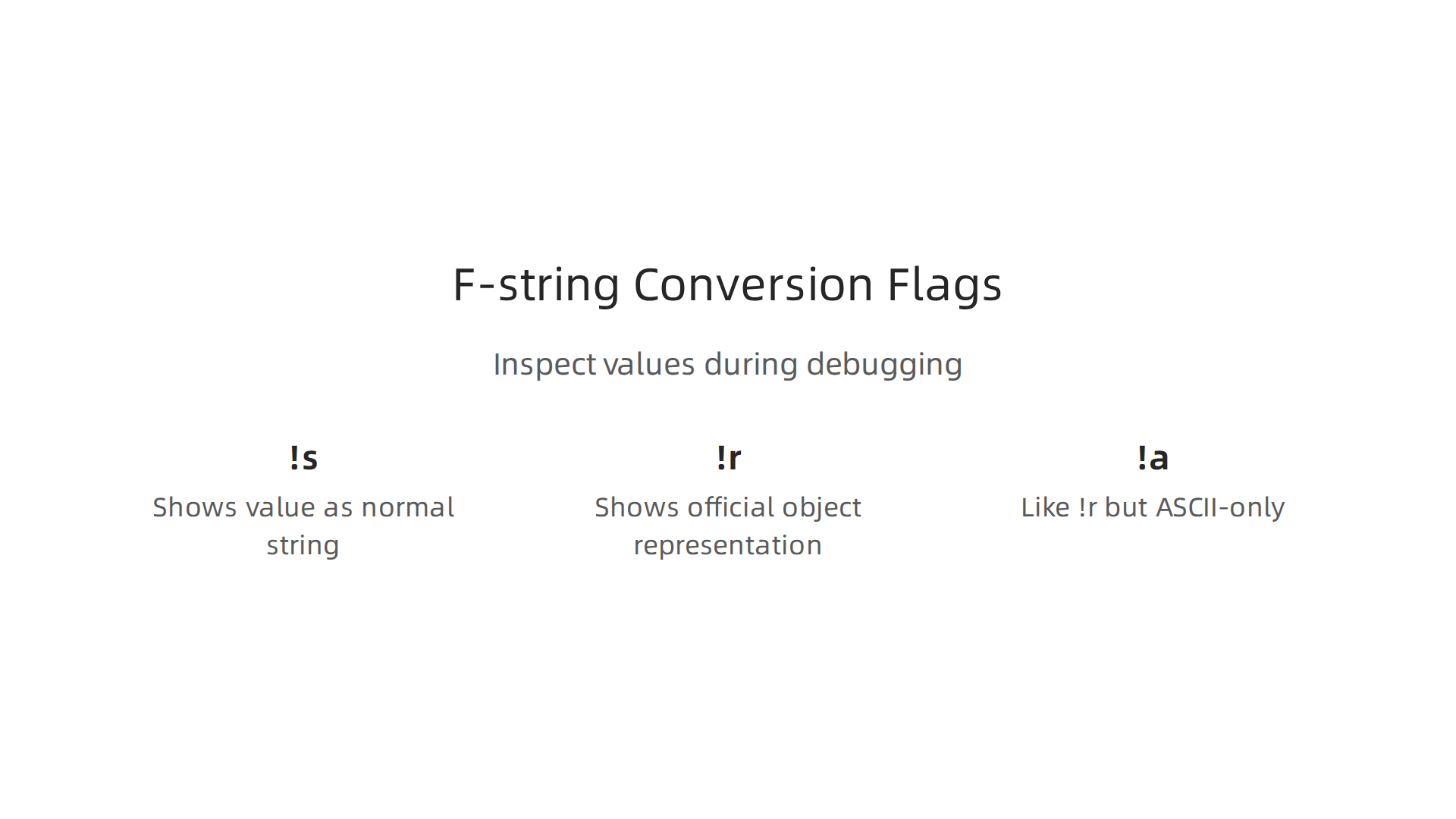
!s(string): This is the default. It just shows the value as a normal string, likestr().!r(repr): This shows the "official" representation of an object, like what you’d see if you typed the variable name into a Python console. It’s great for debugging because it shows you how Python truly sees the value Python 3’s F-Strings: An Improved String Formatting Syntax.!a(ascii): This is similar to!rbut it makes sure all characters are ASCII, meaning it replaces any special characters with their escape codes.
Here’s how they look:
my_data = "hello world"
my_list_data = [1, 2, "three"]

print(f"String version: {my_data!s}")
# Output: String version: hello world

print(f"Repr version: {my_data!r}")
# Output: Repr version: 'hello world' (notice the quotes)

print(f"List repr: {my_list_data!r}")
# Output: List repr: [1, 2, 'three']

# If you had a variable with special characters, !a would show their codes.
Using !r is a smart way to quickly check the type and content of variables, which is really helpful when you’re working with complex data or trying to figure out why a python array or python reverse list isn’t behaving as expected.
Nested Formatting and Alignment
You can even put formatting instructions inside other formatting instructions. This is called nested formatting. It’s helpful when you want to get very specific about how your text or numbers line up.
Imagine you want to print a table or make sure numbers always take up the same amount of space.
name = "Alice"
score = 95.5
rank = 1

# Make name take up 10 spaces, left-aligned
# Make score show 1 decimal place, centered in 6 spaces
# Make rank take up 3 spaces, right-aligned
print(f"|{name:<10}|{score:^6.1f}|{rank:>3}|")
# Output: |Alice     | 95.5 |  1|

name2 = "Bob"
score2 = 82.123
rank2 = 5
print(f"|{name2:<10}|{score2:^6.1f}|{rank2:>3}|")
# Output: |Bob       | 82.1 |  5|
In the example above:
:<10means left-align in a space of 10 characters.:^6.1fmeans center in 6 characters and show 1 decimal place.:>3means right-align in a space of 3 characters.
You can also use one f-string inside another f-string. For example, if you’re building a string that depends on another formatted string:
item_id = "A123"
version = 2.0
full_tag = f"Report-{item_id}-{version:.1f}"
final_message = f"Processing item with tag: {full_tag}"
print(final_message)
# Output: Processing item with tag: Report-A123-2.0
This way, you can create very detailed and neatly arranged outputs for your machine learning logs or reports. For more detailed help on Python string formatting, you can check resources like the Python f-string guide. This kind of careful formatting is a key skill for anyone learning Python, whether through a google python course or self-study, to ensure their applications are robust.
F-strings are not just easy to use; they are also usually very fast. This is because of how Python handles them behind the scenes. When you write a python f string, Python does all the work to put your variables and calculations into the string right away. It’s like Python builds the final string as soon as it sees your code, rather than waiting until later. This is different from older ways of formatting strings.
How CPython Handles F-strings
CPython, which is the most common way Python runs, turns your f-string into a set of steps that are very efficient. It doesn’t save the f-string to be changed later. Instead, it figures out all the parts of the string and puts them together right then and there. This makes f-strings a speedy choice for many tasks, including when you’re logging messages in your machine learning projects or moving data through pipelines.
But, even though f-strings are fast, there’s a small catch. If you put very complex math or many function calls directly inside the curly braces of your f-string, Python still has to do that work. This means a really complicated expression inside an f-string might take a tiny bit more time than a simple one. For everyday use, this difference is usually too small to notice, but it’s good to remember for very demanding applications.
F-strings vs. Older Formatting Methods
Before f-strings came along in Python 3.6, people used two main ways to format strings: the format() method and the old %-formatting style. Let’s see how they stack up against the python f string in 2026.
format()method: This method uses{}placeholders and then you call.format()with your values, like"Hello, {}".format(name). It’s pretty good and more flexible than the oldest way. People found it much clearer to read than%-formattingbecause you could name your placeholders What are formatted string literals in Python 3.6?. It’s built on a system designed for advanced string formatting PEP 3101 – Advanced String Formatting.%-formatting(like in C): This is the oldest way, using%sfor strings,%dfor numbers, and so on, like"Hello, %s" % name. It can be harder to read, especially when you have many values, because you have to match the%symbols in the string to the values you provide afterwards. This style is not often used in new Python code anymore.
Here’s why f-strings are often better, especially in machine learning where clear and fast code matters:
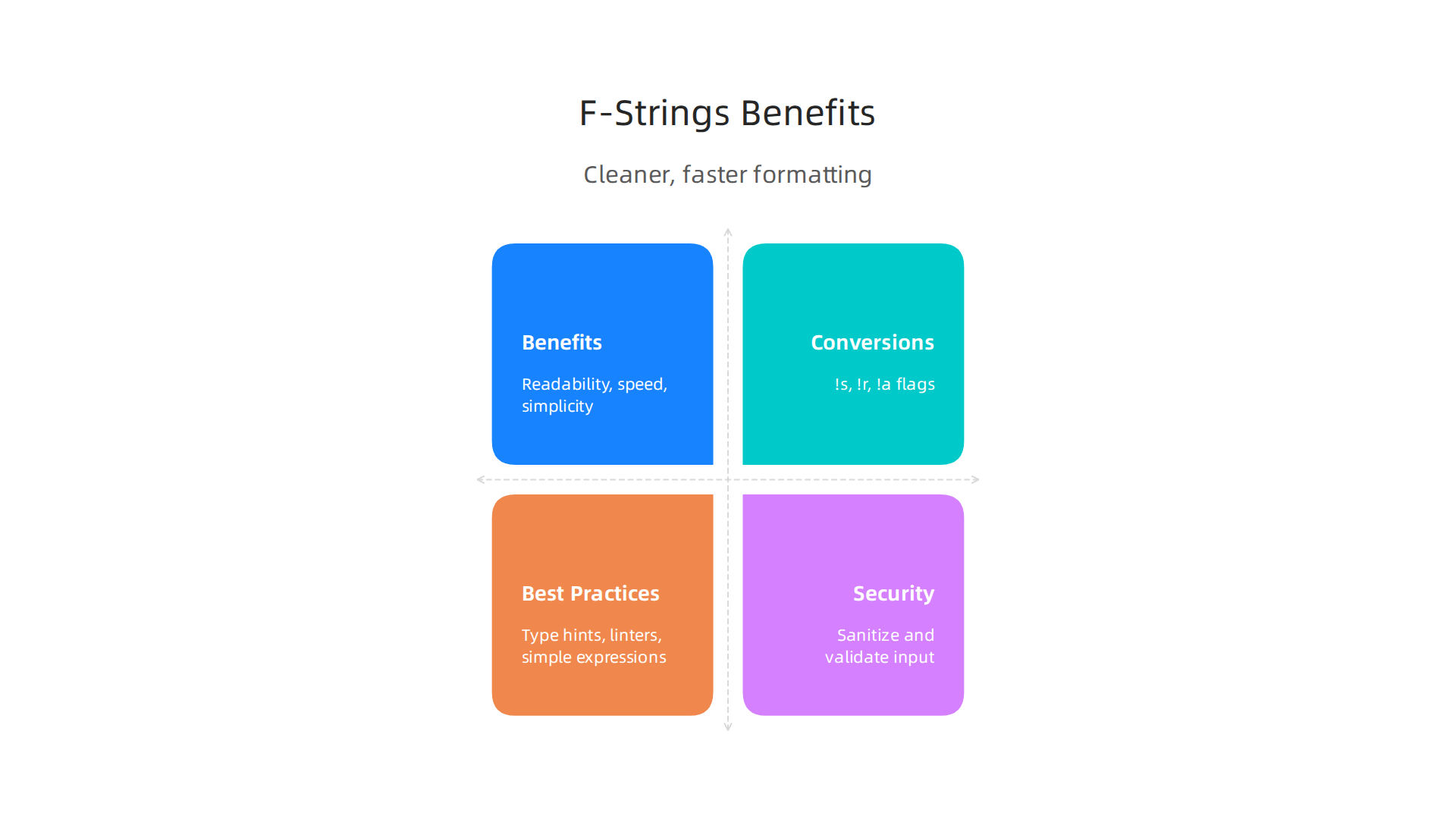
- Readability: F-strings are easier to read because you see the variable name right where it will appear in the final string. This makes your code cleaner, which is helpful when working on a team or reviewing your own code later.
- Speed: Most of the time, f-strings are faster than
format()and%-formatting. Because Python builds the string right away, it can skip some steps that the older methods need. This efficiency is a big plus for data pipelines that process a lot of information. - Simplicity: You don’t need to list your variables again after the string, which keeps your code shorter and less prone to mistakes.
For example, when you’re logging how a machine learning model is doing, you want quick and clear messages. An f-string lets you do this easily:
model_name = "My_AI_Model"
accuracy = 0.925
log_message = f"[{model_name}] Training finished with accuracy: {accuracy:.2f}"
print(log_message)
# Output: [My_AI_Model] Training finished with accuracy: 0.93
This way, your code for creating logs stays neat and efficient. To learn more about setting up your Python projects for good performance, check out how to master your Python stack for data science in 2026. F-strings are a modern feature, added in Python 3.6, that make string formatting simple and fast Python String Formatting. They are now the preferred method, showing up in official Python documents and many learning resources, whether you’re taking a google python course or studying on your own f-string | Python Glossary.
While f-strings make your code cleaner and faster, they also offer another big benefit: they work well with tools that check your code for mistakes before you even run it. This is called type safety and static analysis. It’s like having a helpful assistant look over your shoulder as you write code, pointing out potential problems.
What is Type Safety?
In simple words, type safety means making sure that the different kinds of information in your code, like numbers or words, are used correctly. For example, you wouldn’t want to try and do math with a word. Python is a flexible language, but sometimes this flexibility can hide problems. When you use type hints with your variables, you tell Python (and your code-checking tools) what kind of data each variable should hold.
A python f string helps with this because the variables are right there inside the string. This makes it easier for static analysis tools to see what kind of data is going into the string. These tools can then warn you if you’re trying to put a number where a word is expected, or vice versa.
Static Analysis Tools and F-strings
Tools like MyPy are very popular in 2026 for doing static analysis. They read your code without running it and look for common errors, including type mismatches. When you use type hints with your variables and then put those variables into an f-string, MyPy can actually check if the data types make sense for the string.

For example, if you have a variable age: int = 30 (meaning age should be a whole number) and you accidentally try to do f"My age is {age / 'two'}", MyPy would likely flag this. It knows you can’t divide a number by a word. This kind of check helps you find bugs much earlier, often before your program even starts. Building clear and reliable Python code is key for projects that need to run smoothly, like in machine learning. It’s about creating a deterministic Python-based validation pipeline that catches errors early.
Best Practices for Bug-Free F-strings
To get the most out of type safety and static analysis with your python f string, keep these simple tips in mind:
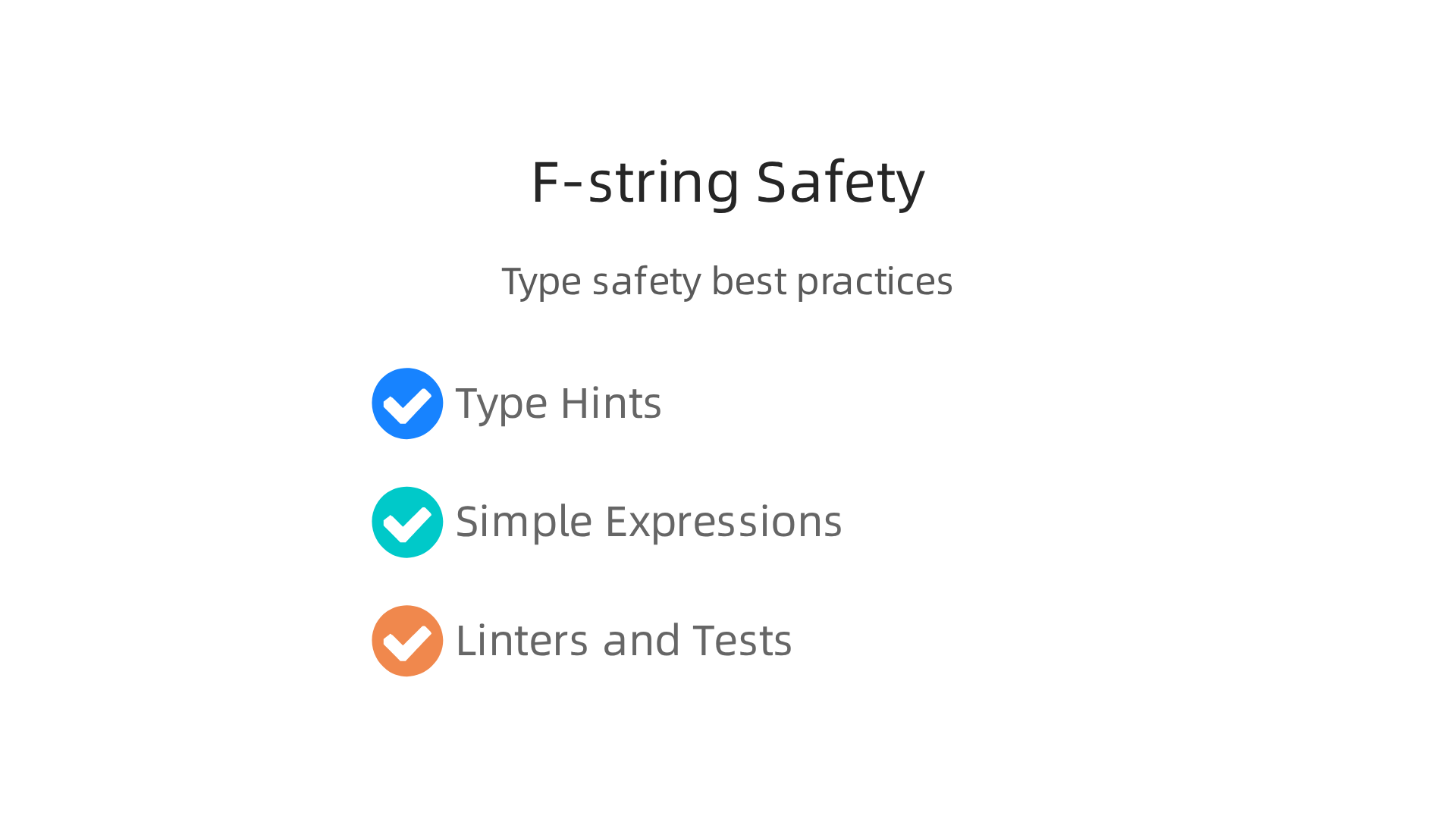
- Use Type Hints: Always add type hints to your variables, especially in bigger projects. This makes your code’s intentions clear to both people and tools.
- Keep Expressions Simple: While f-strings let you do calculations inside the curly braces, it’s often better to do complex math or call functions before the f-string. Then, just put the result into the string. This makes it easier for static analysis tools to check types and for you to read the code.
- Run Linters and Tests: Static analysis tools (linters) should be a regular part of your code review. After that, always test your code. A good testing framework can catch issues related to "string formatting changes" that might slip past initial checks, as noted in some research on testing frameworks.
By following these steps, you can write more dependable Python code. This is very important when you’re working on machine learning projects where errors can lead to wrong predictions or wasted computing power. Learning how to reliably run Python code in production for machine learning systems means less time fixing bugs and more time making great things.
Making sure your Python code works well in production also means thinking about how it behaves in different parts of the world. This is where localization, often called i18n, comes in. It’s about making your software friendly to people from various cultures and languages.
Why F-strings Can Be Tricky for Different Places
Imagine you’re building an app that shows messages to users. A simple python f string like f"Hello, {user_name}!" works fine if everyone speaks English. But what if your user speaks Spanish, German, or Japanese? The word "Hello" changes, and even the order of words might change.
If you just put text directly into a python f string, you might "hardcode" messages. This means the message is stuck in one language. This isn’t good for localization. Also, numbers and dates look different around the world. For example, some countries use a comma for decimals (like 3,14) while others use a period (like 3.14). Dates also have many different formats. If your python f string just prints numbers or dates directly, it might confuse users in other regions.
One study points out that systems should accommodate users of diverse experience levels and linguistic preferences, showing how important this is.
How to Localize with F-strings (The Right Way)
To handle different languages and regions, you should use special tools called i18n frameworks. These frameworks let you separate your messages from your code. You write your messages in a main language, and then translators can provide versions in other languages.
Here’s how it works with a python f string:
- Use a Gettext-like System: Python has built-in tools like
gettextor more advanced libraries likeBabel. These tools allow you to mark strings for translation. - Translate the Main Message: Instead of
f"Hello, {user_name}!", you’d have something like_("Hello, %s!") % user_nameor use a placeholder system that the framework handles. The_()part tells Python this string needs to be translated. - F-strings for Internal Parts: You can still use
python f stringfor parts that don’t need translation, like making a file path or combining parts of a database query. But for user-facing text, let the i18n framework do the heavy lifting.
Remember to handle character encoding correctly, often using UTF-8 encoding handling in your system setup to avoid strange characters appearing.
Deterministic Formatting for Consistent Results
Beyond localization, it’s really important for your code to be "deterministic" in how it formats things, especially numbers and dates. Deterministic means it always gives the exact same output for the same input, no matter where or when it runs. This is key for things like benchmarks, logging, and data processing in machine learning.
If you’re making a record of some data, you want to ensure the number "3.14159" always appears as "3.14159" and not sometimes "3,14159" or "3.14". This helps you achieve reproducible machine learning.
To ensure deterministic formatting:
- Specify Formats: Instead of letting Python pick a default format, tell it exactly how many decimal places to use for numbers, or the exact layout for dates.
- For numbers:
f"{value:.2f}"(two decimal places). - For dates:
f"{date_obj:%Y-%m-%d}"(Year-Month-Day).
- For numbers:
- Use Locale-Agnostic Formatting: When you need a universally consistent format, avoid using parts of Python’s
localemodule that change based on the user’s region. Stick to standard ISO formats (like ISO 8601 for dates) or very explicit number formatting. - Keep Exact Interfaces: As researchers suggest, it’s best to keep exact interfaces and deterministic behavior in your Python standard library usage for reliable outcomes.
By being careful with localization and using deterministic formatting, your python f string will help create programs that are not only efficient but also clear and consistent for everyone, no matter where they are. This is a vital step in mastering Python data workflows in production.
Making sure your code is consistent is important. But it’s even more important to make sure it’s safe. When you use a python f string, it’s super easy to put information right into your messages. This is great for making things quick. But if that information comes from someone else, like a user typing something in, it can be very dangerous.

The Big Problem: Injection Risks
Think of it like this: a python f string lets you put words together. If you’re building a sentence, and someone else can add words to your sentence, they might add something bad. This bad addition is called an "injection." It’s one of the most common ways bad people try to break into computer programs.
Here’s where python f string can be risky:
- SQL Injection: Imagine you’re making a program that asks for a user’s name to find their information in a database. You might write something like
f"SELECT * FROM users WHERE name = '{user_name}'". Ifuser_namecomes directly from a user, they could type something tricky like' OR 1=1; --. This could make your program show all user information, not just theirs. This is a very serious problem that happens when Python applications use string formatting methods to build SQL queries with user input. - Shell Command Injection: Sometimes, programs need to run commands on the computer’s system. If you use a
python f stringto build a command and include user input, a hacker could add their own command. For example,os.system(f"echo {message_from_user}")can be very risky ifmessage_from_useris not checked. This could let them run dangerous commands on your computer. - Log Injection: Even simple things like logging messages can be a problem. If you put user input directly into your log messages with a
python f string, a hacker might add extra lines or fake messages to confuse you or hide their tracks. It’s smart to be careful with logging f-strings due to security.
The main idea is that python f string lets you run code that’s inside the curly braces {}. If a bad person can control what goes into those braces, they can make your program do things you don’t want it to do. Experts agree that using string formatters with untrusted data can be a security threat.
Safe Ways to Use F-strings
Don’t worry, you don’t have to stop using python f string completely. You just need to be smart about it. Here are some safe ways to handle user input:
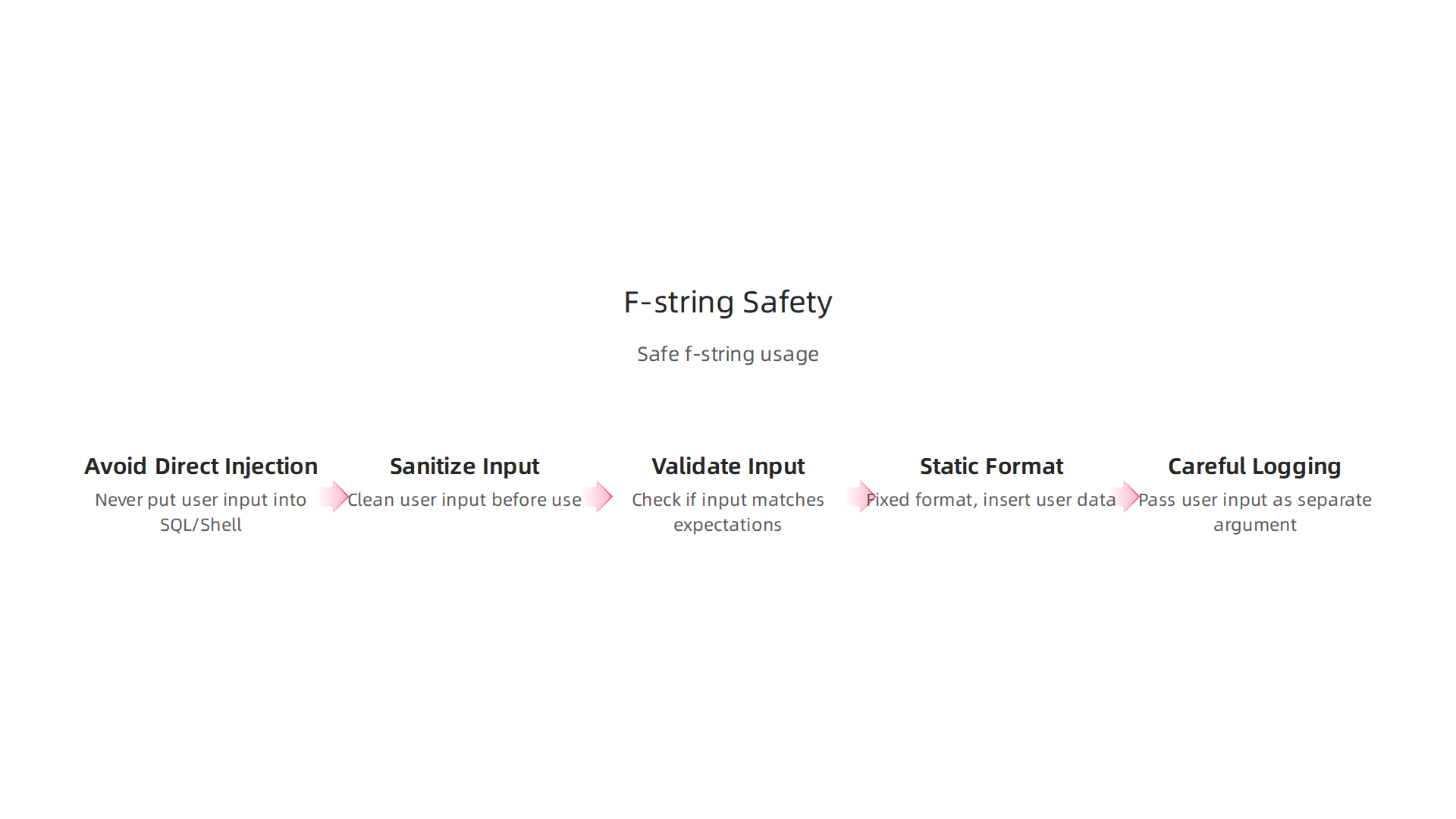
- Never Put User Input Directly into SQL Queries or Shell Commands:
- For SQL: Always use special tools that databases provide, called "parameterized queries." These tools keep user input separate from the actual commands, so no one can "inject" bad code.
- For Shell Commands: Use Python’s
subprocessmodule with a list of arguments. This makes sure each part of the command is treated as data, not as something to run.
- Sanitize Input: This means cleaning up user input before you use it. You can remove or change special characters that might be used for attacks. However, it’s often safer to use the proper tools mentioned above than to try to sanitize everything yourself.
- Validate Input: Check if the user’s input looks like what you expect. For example, if you need a number, make sure it’s actually a number and not a sentence.
- Use
str.format()or%Formatting with Static Strings: Whilepython f stringis great, if you have user input that might try to change the format itself, older methods likestr.format()can also be risky if the format string comes from the user. Instead, always use a fixed, known string for the format, and then insert the user’s data into it using the correct methods provided by libraries. - Be Careful with Logging: For logs, try to avoid putting user-controlled input directly into a
python f stringthat will be printed. Instead, pass the user input as a separate argument to your logging function, which can handle it safely.
By following these safety tips, you can enjoy the benefits of python f string without opening your programs to hackers. It’s all about knowing when to use it and when to use safer methods for sensitive tasks. For those working on complex systems, learning to build production ML systems with advanced Python often means understanding these security details very well.
After learning about the safe ways to use python f string, it’s also important to know how to make sure your formatted messages always work as they should. This means checking them for mistakes and making sure they show the right information. Debugging, testing, and making good diagnostic messages are key parts of this.
Testing Your Formatted Output
When you create messages using a python f string, especially complex ones, you want to be sure they look exactly right. This can be tricky to test. Imagine you have a message that changes based on many different things. How do you test every possible way it could look?

One helpful method is "snapshot testing." Think of it like taking a picture of your program’s output. The first time you run your tests, the program takes a "snapshot" of the message it creates and saves it. On future runs, the test compares the new message to the saved snapshot. If anything changes, the test will tell you. This is a super handy way to test long or complicated strings, like those from a python f string, without writing out every single expected character yourself. Tools like pytest-snapshot or inline-snapshot in Python help with this. For example, inline-snapshot can make your tests more efficient by automatically creating the expected values for you and supports many types of comparisons when testing Python outputs. You can find more details about this method in articles like Better Python tests with inline-snapshot or learn about Snapshot testing with Syrupy.
Snapshot testing makes sure that if you change something in your code, you know right away if it changed a message that you didn’t intend to touch. It’s a quick way to catch small formatting errors.
Making Robust Diagnostic Messages
Diagnostic messages are those helpful notes your program gives you when something goes wrong. Using a python f string for these messages can make them very clear, but they also need to be "robust." This means they should give you useful information without crashing or showing too much secret data.
When you’re building these messages:
- Be Specific: Instead of a general "Error," use your
python f stringto say exactly what went wrong. For example,f"Could not open file: {file_name}"is much better than "File error." - Include Key Details: Add relevant details like variable names, values, or even the type of data you were expecting. This is where
python f stringshines, as you can easily put these pieces of information into your message. For instance, if you’re dealing with apython arrayor a list and an expected item isn’t found, your diagnostic message could show the array’s contents or the missing item. - Keep Sensitive Data Out: As discussed before, be careful not to put private user information directly into diagnostic messages that might be seen by many people or saved in logs.
- Use Formatting-Aware Diffing: When your snapshot tests fail, a good tool will show you not just that something changed, but what changed. This is called "diffing." It highlights the exact lines or characters that are different between your new output and the saved snapshot. This makes fixing formatting issues much faster. It’s like a "spot the difference" game for your code, but super detailed. Learning to reliably run Python code in production for machine learning systems means you need good diagnostic tools.
By using these testing and diagnostic methods, you can make sure your python f string creations are not only powerful and easy to read but also reliable and easy to maintain.
After making your python f string creations reliable with good testing and diagnostic messages, the next step is to stay sharp. The world of Python changes often, and new ways to use python f string keep appearing. To make sure you’re always using them in the best and safest ways, you need to know where to find the right information and use the right tools.
Learning Paths to Master python f string and More
Staying current with python f string means you need a good learning plan. Here’s how you can keep your skills fresh:
- Official Python Docs: Always start with the basics. The official Python documentation is the best place to learn how
python f stringworks from the ground up. It explains all the small details and features. You can also find out about other ways to format strings, like the older%operator orstr.format(), and whypython f stringis often better. For a good overview of this, check out Python String Formatting. - Online Courses and Tutorials: Many websites offer deep dives into Python. Whether you’re looking for a beginner-friendly
google python courseor more advanced lessons on topics like usingpython yieldin complex functions, there’s a lot out there. These can show you how to usepython f stringin real-world situations, like when you need to format data from apython reverse listor other structures. For general learning, a Complete Beginner Guide for Learning Python in 2026 can set you on the right path. - Advanced
f-stringTechniques: Once you know the basics, look into advanced features. Did you know you can make your own special formatting rules forpython f string? This lets you control how your own types of data show up. You can explore how to make your own fancy f-string format specifiers to really fine-tune your output. - Community Resources: Join online groups and forums. Reading discussions helps you see how other people solve problems and use
python f stringin clever ways. You can even join the Python Developers Survey 2026 to share your thoughts and learn what’s important to the community.
Tools and Editor Integrations
Good tools can make using python f string much easier and safer. These tools work with your code editor to catch mistakes and keep your code neat.
- Linters: Tools like Pylint or Flake8 act like spelling and grammar checkers for your code. They can warn you if you use
python f stringin a way that might cause problems or isn’t a best practice. - Code Formatters: Tools such as Black or Ruff automatically arrange your code to look clean and consistent. This is great for teams, as everyone’s
python f stringwill look the same, making code easier to read. - CI Checks: "CI" stands for Continuous Integration. These are automated checks that run every time you change your code. They can run your tests and formatters, making sure that any new
python f stringadditions don’t break existing features or mess up the code style. This helps you to build production ML systems with advanced Python confidently. - Editor Integrations: Most modern code editors have special helpers for Python. They can highlight parts of your
python f stringin different colors, suggest completions, and even show you errors as you type. This instant feedback saves a lot of time and helps you write better code faster.
By using these learning paths and tools, you’ll not only master python f string but also keep your overall Python skills sharp in 2026 and beyond.
Get clear daily AI updates from The Deep View Newsletter. The AI Newsletter Worth Reading
Summary
This article explains how Python’s formatted string literals (f-strings) improve clarity, speed, and safety in machine learning code. It covers basic f-string syntax and practical features like embedding expressions, conversion flags (!s, !r, !a), nested formatting and alignment for neat tables and logs. You’ll learn how CPython handles f-strings for performance, why they usually beat older formatting methods, and when complex expressions can hurt speed. The guide also shows how to use type hints and static analysis tools to catch errors early, how to localize and produce deterministic output for global users, and how to avoid injection vulnerabilities when user input is involved. Finally, it explains testing strategies—such as snapshot testing—and recommends linters, formatters, and learning paths to keep your f-string usage robust and production-ready.